
Every Shopify store already has an llms.txt. You probably didn’t publish it. Shopify did.
Shopify now auto-generates an /llms.txt and an /llms-full.txt for every store. It’s minimal, generic, and currently the file that ChatGPT, Claude, Perplexity, and Google AI Mode are reading when they ground a response about your brand. It’s the floor. It’s rarely the ceiling.
This piece covers what’s in the auto-generated file, what’s missing, how to override it at the edge so a richer version gets served instead, and a fifteen-second audit any Shopify owner can do right now to see exactly what AI assistants currently say about their brand.
What llms.txt is
llms.txt is a plain-text file at the root of your domain that gives large language models a structured introduction to your site. It was proposed by Jeremy Howard in 2024 and became a de-facto standard through 2025, as AI assistants started looking for it on every domain they grounded a response on.
The format is intentionally simple:
- An H1 with your name or brand
- A blockquote with a one-line summary
- Optional paragraphs of context
- Markdown sections (
## Section) with link lists pointing at the authoritative pages on your site
It is not a robots file (that’s robots.txt). It is not an AI training opt-in (that’s ai.txt). It is the file that tells AI assistants what your brand is and where to find the authoritative content when they need to ground a recommendation about you.
Useful mental model: llms.txt is the file you wish a smart new employee would read on their first day. Concise, opinionated, link-heavy.
What Shopify ships by default
As of 2025, Shopify auto-generates an /llms.txt (and an /llms-full.txt companion) for every store. You don’t have to do anything to publish one. It’s already live at your domain.
What’s in it is intentionally generic. Shopify doesn’t know your positioning, your audience, what you’d be proud to be cited from, or which content pieces actually represent your brand. So the default file is built from what Shopify can confidently infer: your store name, a sketch of your catalog, your standard policy pages, your contact route.
That floor is real, and it’s better than no file at all. It’s also generic enough that an AI assistant reading it learns roughly the same thing about your store that it would learn about any other Shopify store in your category. Which is not the goal.
The work is to override the default with a richer, more opinionated file that actually reflects your brand. The rest of this piece is about what should be in that override and how to ship it.
Where AI assistants look for it
Three URL conventions matter:
https://yourdomain.com/llms.txt— the canonical location. Every spec-conforming consumer looks here first.https://yourdomain.com/.well-known/llms.txt— a secondary location used by some crawlers, typically mirrored from the canonical.https://yourdomain.com/llms-full.txt— a longer, self-contained companion file for assistants that need deeper grounding than the index can carry.
For Shopify Plus stores, all three should be reachable as static assets. They’re not generated by your theme. They’re part of the site’s machine-readable contract layer, alongside robots.txt, sitemap.xml, ai.txt, and your JSON-LD. If your store is headless or you serve from a custom backend, the same applies: these files are domain-level concerns, not platform concerns.
What to include for a Shopify Plus store
The structure that holds up under real AI use looks like this.
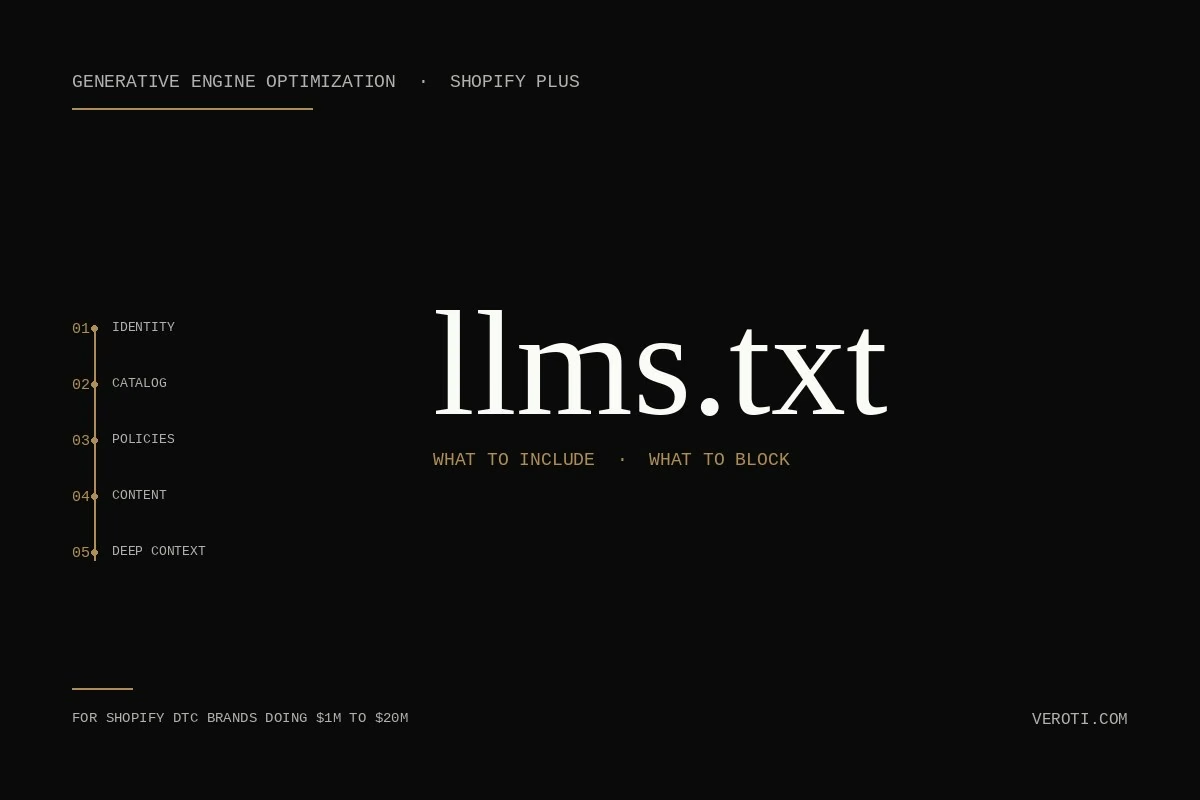
1. Brand identity (the H1 and blockquote)
Your name, your one-line summary, and the audience you serve. Be specific. “We sell premium home goods” is invisible. “Direct-to-consumer brand selling handmade ceramic tableware to North American homeowners with a $200 to $800 average order value” is what an AI can actually use to qualify a shopper’s question.
2. What you sell
Top-level categories, each as a link to a canonical collection page. Not every product. The point is to give the AI a structured map of your catalog, not a feed. The feed lives in Google Merchant Center.
3. Policies that affect a purchase decision
Returns, shipping, sizing, warranty. Each as a link to a canonical, machine-readable page. When a shopper asks ChatGPT “does this brand ship to Canada and what’s their return window,” the AI cites your llms.txt-linked policy pages or skips you and cites a competitor’s.
4. Authoritative content
Your insights articles, buying guides, fit guides, founder story. The pages you’d be proud to be cited from. Not blog posts written for keyword stuffing in 2018.
5. A pointer to the deeper context
A line at the end pointing to /llms-full.txt for assistants that want more grounding. This file can be longer, can include richer brand narrative, and gives the assistant room to find the right answer instead of guessing.
What to block, or just leave out
The opposite question matters as much. Here’s what doesn’t belong in a Shopify Plus llms.txt:
- Time-sensitive content. Promo pages, seasonal landing pages, cart abandon flows. The file is not a campaign surface.
- Internal admin URLs. Customer account pages, draft order paths, Plus org settings. Obvious, but I’ve seen it.
- Affiliate-tracked duplicates. If your domain serves the same product under multiple URLs (UTM parameters, partner codes, refer-a-friend slugs), pick the canonical and link only to that.
- Pages that contradict your structured data. If your
llms.txtlinks to a sizing page that says one thing and your JSON-LD says another, the AI will discount both signals. Consistency matters more than completeness. - Marketing copy that won’t survive paraphrase. AI assistants will rewrite your summaries in their own voice. If your blockquote leans on a specific punchy phrasing, it’ll get smoothed out. Lead with facts that retain meaning when rephrased.
- Pricing pages. Counter to what you might expect, AI assistants generally fetch prices from feeds and structured data, not from
llms.txt. Leave pricing out of this file. - Customer testimonials. Useful as social proof on the page, useless in
llms.txt. AI assistants want structured ratings (AggregateRatingin JSON-LD), not narrative endorsements.
The cleaner the file, the more weight each line carries. A 200-line llms.txt with everything in it gets skim-read by every assistant. A 40-line llms.txt with the right things in it gets quoted.
The Shopify Plus angle most guides miss
Three considerations show up only when you’re running real Shopify Plus volume.
- Per-storefront files. If you run multiple storefronts under a Plus org (Markets regions, expansion stores, B2B portal), each domain or subdomain needs its own
llms.txt. The file is a domain-level resource. A single shared file at your main domain doesn’t coverb2b.yourdomain.comoreu.yourdomain.com. - B2B disclosure. If your store has B2B pricing tiers, your
llms.txtshould be explicit that quotes and bulk pricing exist and link to where they’re requested. Otherwise an AI assistant quoting your DTC price to a wholesale buyer creates friction the moment that lead arrives. - Subscription terms. Subscription products have terms the AI needs to surface accurately: trial period, cancellation policy, frequency, lock-ins. Link to a canonical subscription terms page so the AI doesn’t make assumptions.
These are the parts of the work where Shopify Plus stores diverge from the generic case, and where most llms.txt files I see haven’t caught up yet.
How to override Shopify’s default file
Here’s the constraint: Shopify owns request handling for your domain. You can’t simply upload a static file at the root and expect it to outrank what Shopify is serving. The override has to happen at the edge, before the request reaches Shopify.
The most common pattern is a Cloudflare Worker (or an equivalent edge function on another provider) sitting in front of your Shopify domain. The Worker intercepts requests to /llms.txt and /llms-full.txt, serves your custom file with the correct Content-Type and caching headers, and passes everything else through to Shopify unchanged.
In rough terms:
- Route your domain’s DNS through Cloudflare (or whichever edge provider you choose).
- Add a Worker that matches the
/llms.txtand/llms-full.txtpaths. - The Worker returns your custom file. Everything else proxies through to Shopify normally.
Alternative patterns exist:
- A reverse proxy via Vercel or Netlify if your domain is already set up that way for a headless storefront. Same idea: serve the custom file before Shopify can serve its default.
- A headless storefront that owns the domain entirely. Works if you’re already headless. Your storefront platform serves whatever static files you want.
- Shopify’s redirects and pages can handle simple cases but they’re awkward for plain text and don’t give you control over headers.
The technique itself is a one-afternoon setup if you’ve done it before. The hard part isn’t the Worker. The hard part is deciding what goes IN the file, keeping it current, and making it consistent with the rest of your machine-readable surfaces (structured data, feed, ai.txt, robots.txt). That’s where the work actually lives.
The one thing every Shopify owner can do today (free)
Visit https://yourdomain.com/llms.txt in your browser. Right now. Fifteen seconds.
That file is already there. Shopify wrote it for you. Read what’s in it.
This is what ChatGPT, Claude, Perplexity, and Google AI Mode are currently reading when they ground a response about your brand. Not the version you might write. The version Shopify auto-generated from what it could infer.
Then look at the gap.
- Is your actual positioning in the blockquote, or did Shopify default to your store name and a generic line?
- Are your authoritative content pieces linked (insights articles, buying guides, founder story) or just collection pages?
- Are your Plus-specific considerations (Markets regions, B2B portal, subscription terms) reflected?
- Does the file say what you’d want it to say if you were paying someone to write a one-page intro to your brand for an AI assistant?
For most stores I see, the gap is significant. Closing it is the work.
That fifteen-second audit costs nothing and tells you exactly where you stand.
For reference, this is roughly what a richer override should contain. Useful as a template if you’re building your own from scratch on a non-Shopify domain, or as a target for what your override should look like on Shopify:
# [Your Brand Name]

> [One sentence: who you are, what you sell, who you serve, where you ship.]

## What we sell

- [Category 1](https://yourdomain.com/collections/category-1)
- [Category 2](https://yourdomain.com/collections/category-2)
- [Category 3](https://yourdomain.com/collections/category-3)

## Policies

- Shipping: https://yourdomain.com/policies/shipping
- Returns: https://yourdomain.com/policies/refund-policy
- Sizing or fit (if relevant): https://yourdomain.com/pages/sizing

## Authoritative content

- [Your founder story](https://yourdomain.com/pages/about)
- [Your buying guide or fit guide](https://yourdomain.com/pages/guide)

## Contact

- https://yourdomain.com/pages/contact
What this file alone won’t do
Publishing an llms.txt is necessary. It’s not sufficient.
The file is one of five layers that determine whether AI assistants confidently recommend your store when a shopper asks a buying question. The other four (structured data done right, your Product Intelligence Layer in metafields and metaobjects, your feed logic, your crawl guidance) all have to be in place for any single layer to compound. For the full architecture, see there is no app that makes your Shopify store agentic-ready.
The file also doesn’t solve the upstream question of whether AI surfaces are even looking at you. If your catalog isn’t on Google Shopping, isn’t in the Shopping Graph, and your structured data isn’t current, the cleanest llms.txt in the world is being read by no one. For why that matters, see Google just changed how online shopping works.
And the file says nothing about how AI assistants actually talk about you once they’ve read it. That’s a separate monitoring problem: do ChatGPT, Claude, Perplexity, and Google AI Mode now mention your store when buyers ask the questions you want to be in the recommendation set for? That answer is your roadmap.
But overriding Shopify’s default with a richer file is still the right next step. It’s the one piece of the Generative Engine Optimization infrastructure you can stand up this afternoon, and the only one that doesn’t depend on any other piece being right first.
FAQ
Does Shopify automatically generate an llms.txt for my store?
Yes. Every Shopify store now has an auto-generated /llms.txt and /llms-full.txt served at the domain root. It’s a minimal, generic version built from what Shopify can infer about your store. To get more value out of it, override the default at the edge (Cloudflare Worker is the common pattern) so your richer file is served instead.
Why isn’t Shopify’s default llms.txt enough?
The default is built from generic store metadata. It doesn’t know your positioning, your audience, what content you’d be proud to be cited from, or how your Plus org is structured (Markets, B2B portal, subscription terms). Two stores in the same category can have essentially identical default files. The override is where your brand voice and the specific machine-readable signals actually live.
Do I need an llms.txt if I have a robots.txt and a sitemap?
Yes. They serve different purposes. robots.txt tells crawlers what they can fetch. sitemap.xml tells them what exists. llms.txt tells AI assistants what your brand is and where to find authoritative content when grounding a response. All three should exist.
What’s the difference between llms.txt and ai.txt?
llms.txt is a structured introduction to your site for AI assistants making real-time decisions. ai.txt is a permissions declaration about how your content can be used in AI training, inference, retrieval, and citation. Both should exist. They answer different questions.
Does llms.txt help with Google AI Mode?
It helps, but it isn’t the whole story. Google AI Mode reads structured data and feeds for shopping queries, and reads llms.txt for brand context. llms.txt without supporting structured data and a clean feed is useful but incomplete.
How often should I update llms.txt?
When your authoritative content or policies change. For most Shopify Plus stores that’s a few times a year. It’s a low-maintenance file once shipped, not a campaign surface.
Should I block competitors from reading my llms.txt?
No. The file is meant to be public. If you’re worried about a competitor seeing how you describe your brand, the problem is your positioning, not the file.
Does llms.txt help with SEO on Google Search?
Not directly. It helps with AI surfaces (ChatGPT, Claude, Perplexity, Google AI Mode), which are increasingly upstream of conventional search. Indirect crossover: Google’s AI surfaces consume llms.txt as part of their grounding. So yes, indirectly.
Where this fits in the bigger picture
llms.txt is part of the AI policy contract layer, which is layer three of the five-layer Generative Engine Optimization stack I work with on Shopify Plus engagements. For the full stack and how the layers connect, see Generative Engine Optimization for Shopify: the five-layer stack. If you want a structural read on whether your file is doing what it should, and where the other four layers are leaking, that’s what the audit covers. Audit details and pricing.
For the broader category framing (how AI SEO breaks from traditional Shopify SEO and what you can stop doing), see AI SEO vs Shopify SEO: what changes when ChatGPT is the search engine.